Booking and payments
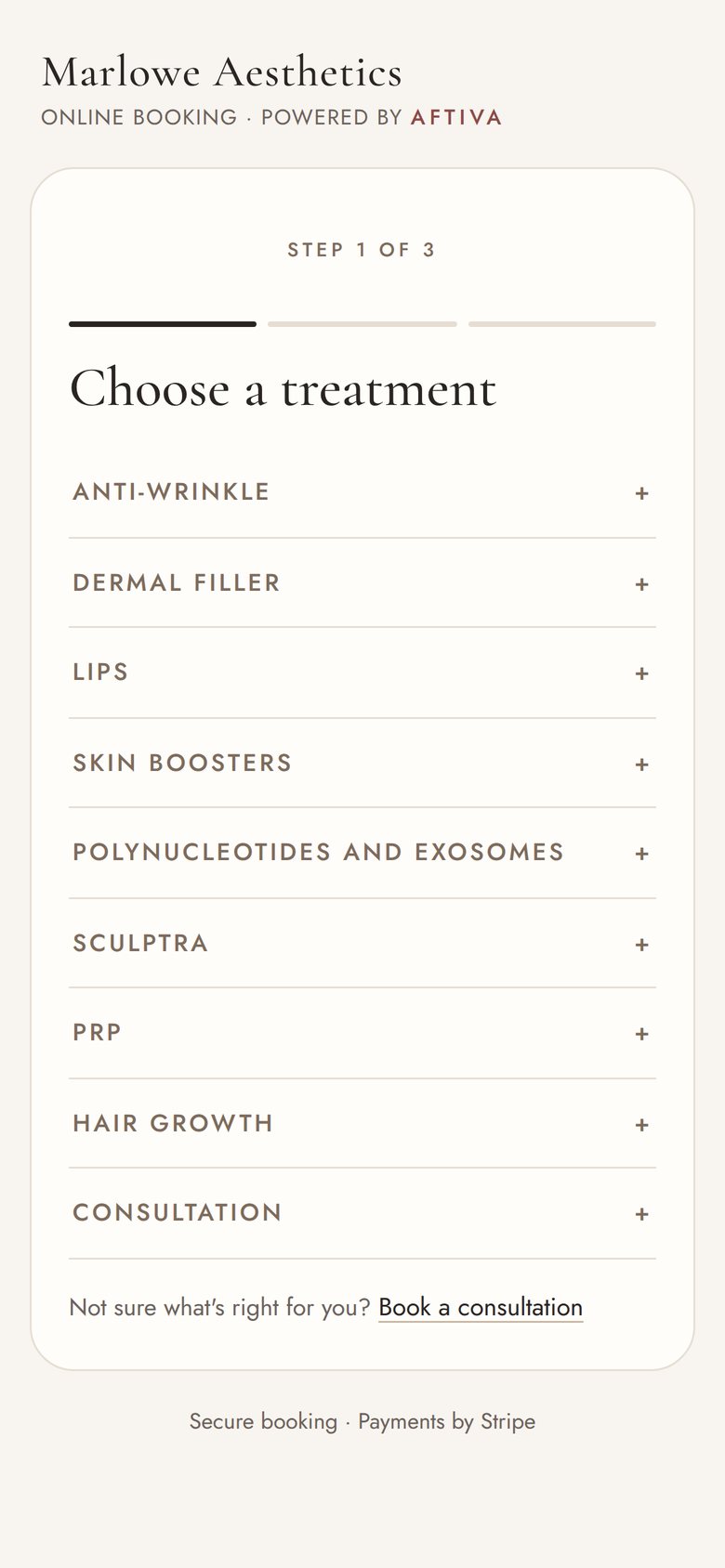
Your own booking page, in your clinic's name. Patients choose a treatment, a clinic and a time, pay the deposit and get their forms, all without a phone call.
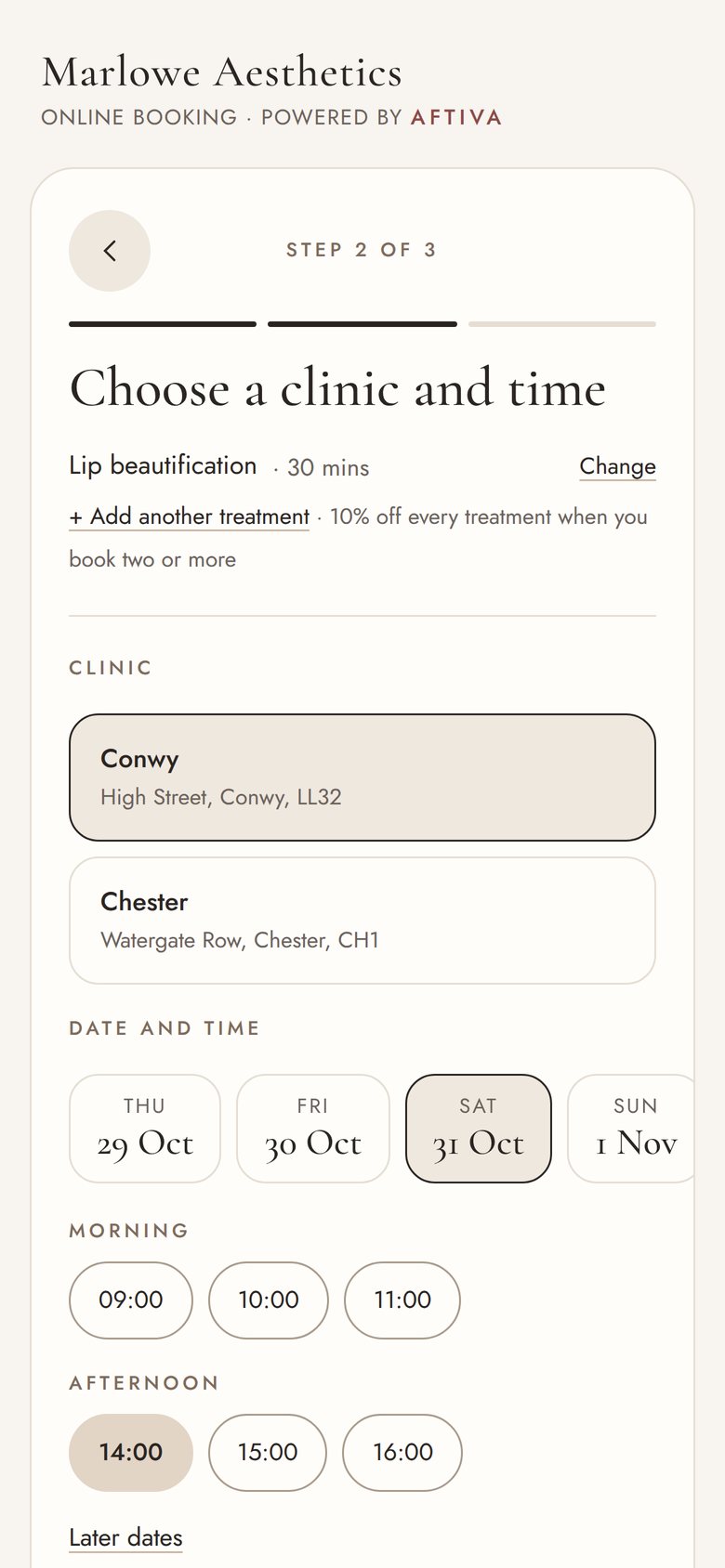
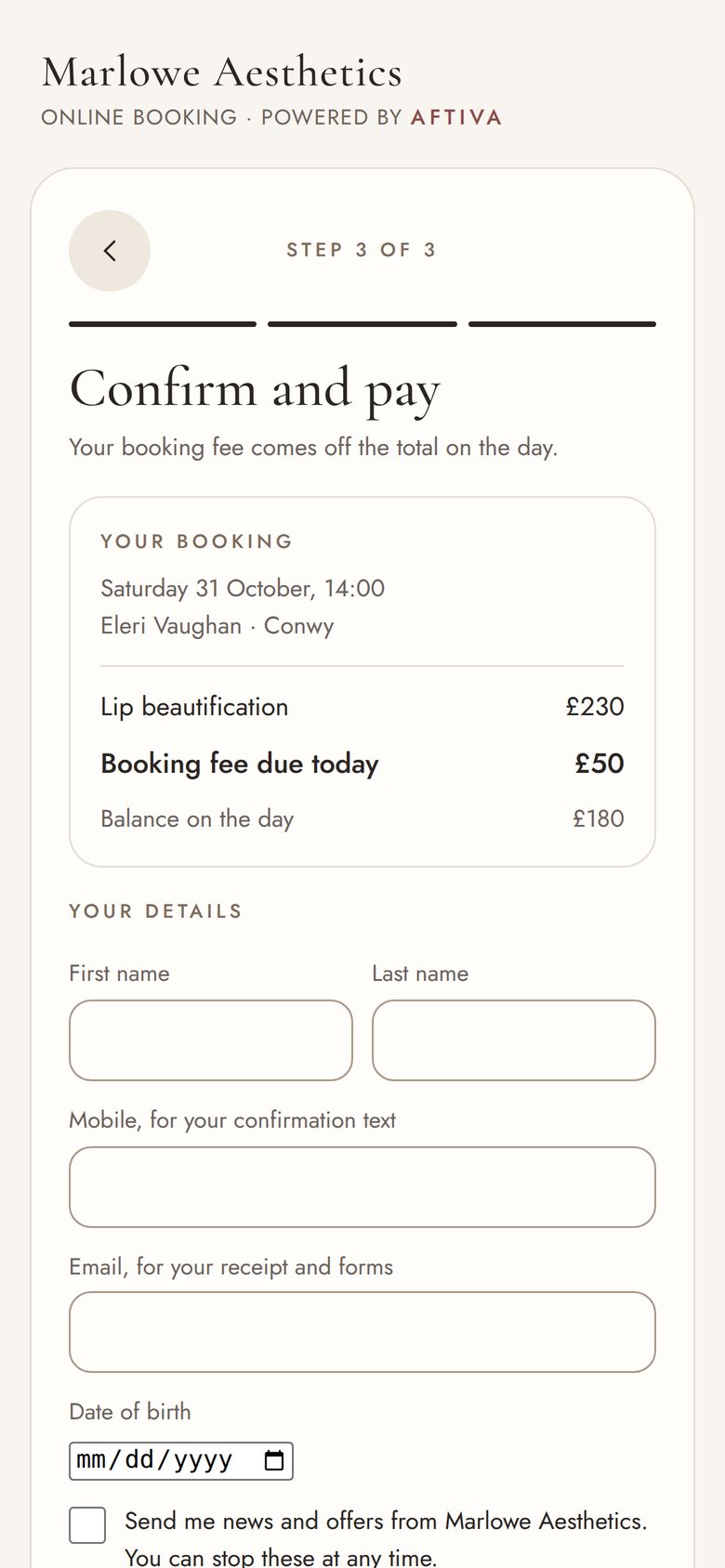
A booking page patients actually finish
Treatments are grouped the way your menu is, with your prices and how long each takes. Patients only see the times you really work, at the clinic they choose.
- Book two or more treatments together, with a discount you set
- A booking fee or deposit taken by card, and taken off the price on the day
- Your own rules for changes and cancellations, shown before they pay
- Confirmation and forms link by text and email straight away
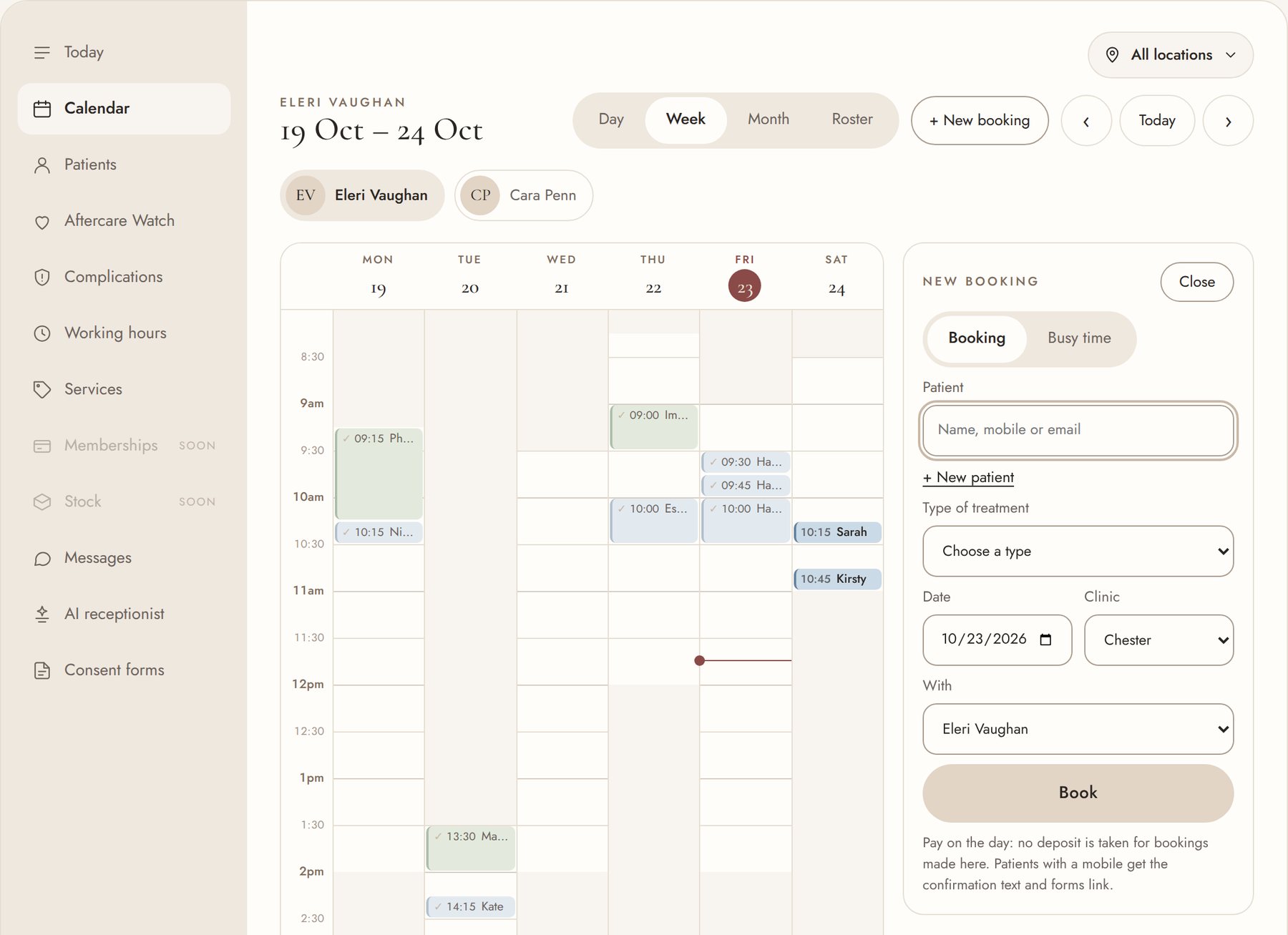
Booking from the diary takes seconds
Tap a free time, find the patient, choose the type of treatment and then the treatment. Aftiva shows only the times that fit.
- New patients added in the same panel
- Treatments not offered online, like reviews, can still be booked by the team
- Book again in one tap after a treatment, at the same time of day weeks ahead
Also included
Reminders that go out on their own
Confirmation, a forms reminder the day before and a reminder before the visit. You choose the wording and timing.
Card payments with Stripe
Deposits online and the rest on the day. Card details never touch Aftiva.
A booking link for everywhere
Your website, Instagram, Google and your text replies all point to the same page.
How far ahead patients can book
Choose one, two, three or six months. The team can always book further ahead.
Prescription-only treatments
Booked with a prescriber, or flagged so a prescriber assesses before treatment.
Memberships and courses
Coming soon: monthly memberships and course packages, paid by Direct Debit.
See it on your own treatments
Tell us a little about your clinic and we'll show you Aftiva with your own menu, prices and forms.